D12 Map Design Guidelines: Composition & OrientationTo maintain consistency across all D12 maps, every designer must follow these foundational steps before adding artistic detail. Our goal is to maximize the playable area while minimizing unnecessary scrolling.
1. Define the Canvas First
Every map starts with its Dimensions. Before drawing geography, ensure you have allocated specific "UI zones" for:
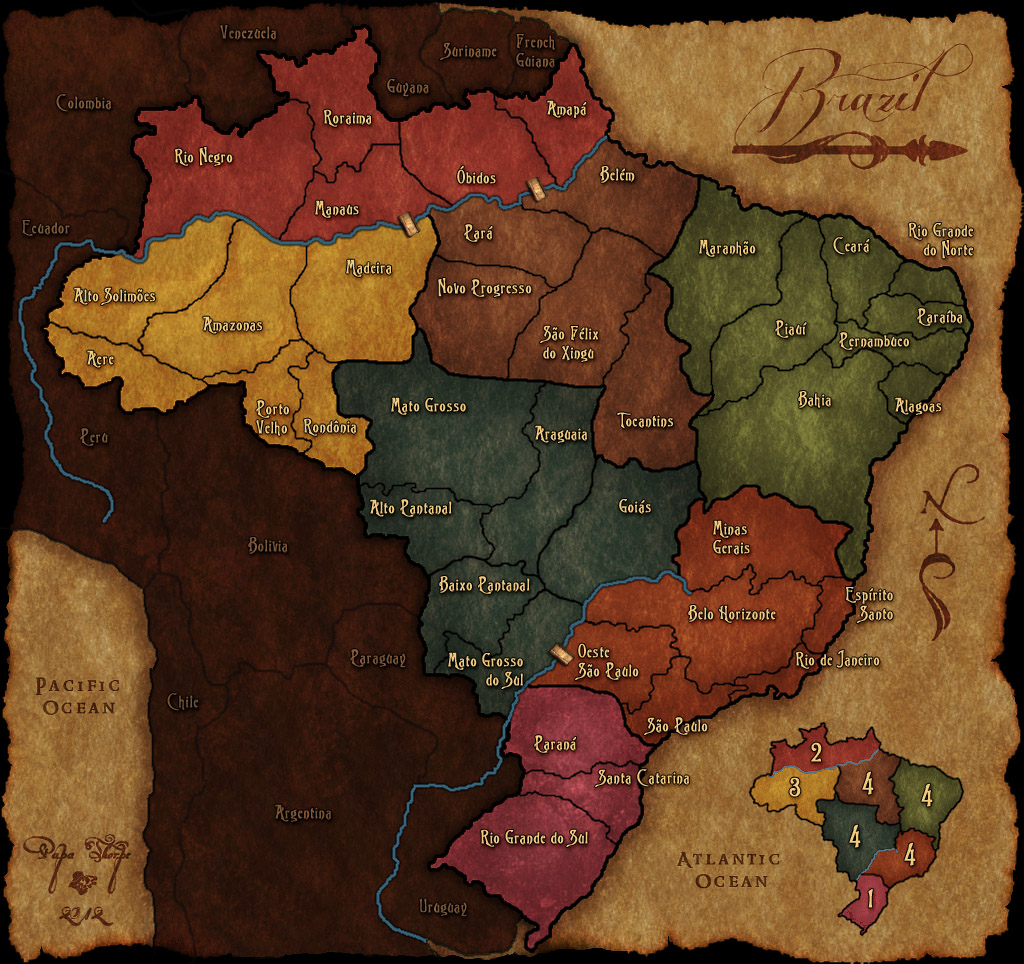
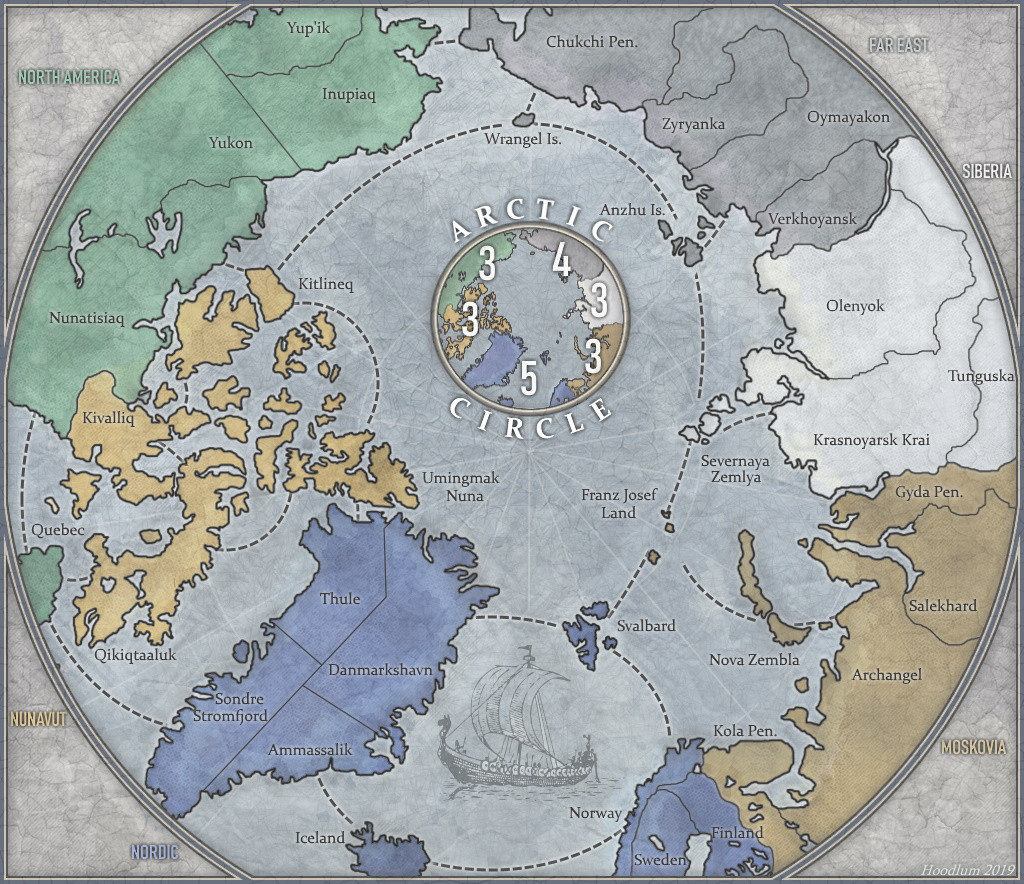
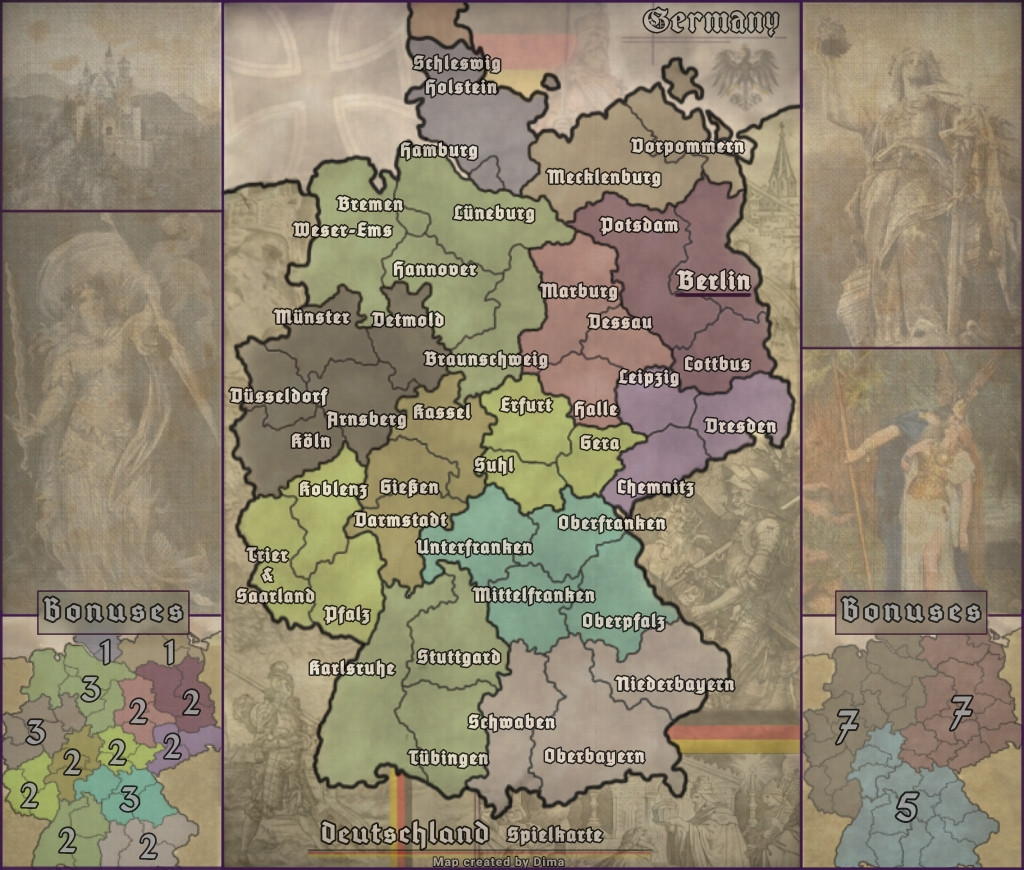
Map Title: Clear, legible placement.
Minimap: For navigation and strategic overview.
Legend/Metadata: Room for territory counts or special rules.
2. Optimize Geography & Orientation
We do not use default "North-is-Up" orientations if they create wasted space. Use a Compass Rose to indicate true North, but rotate the landmass to fit the screen efficiently.
Rotated Maps: Use rotation to fit long or diagonal landmasses into a horizontal frame (e.g., Italy, Philippines, Gold Coast).
The "No-Scroll" Rule: If a map is small or medium-sized, it must fit the viewport. Do not force a scroll where it isn't needed.
3. Scaling for Territory Density
Small Maps: Keep them compact. Do not artificially inflate the dimensions; figure out the most efficient layout for the territory count.
Large Maps: Scrolling is only allowable for "Big" maps with a high volume of territories where a single-screen view would compromise legibility.
![[image]](https://i.imgur.com/wmupEZy.png) Still BIG, but not unnecessarily MASSIVE for a small amount of territories
Still BIG, but not unnecessarily MASSIVE for a small amount of territories
[b]D12 Map Design Guidelines: Composition & Orientation[/b]
To maintain consistency across all D12 maps, every designer must follow these foundational steps before adding artistic detail. Our goal is to maximize the playable area while minimizing unnecessary scrolling.
1. Define the Canvas First
Every map starts with its Dimensions. Before drawing geography, ensure you have allocated specific "UI zones" for:
Map Title: Clear, legible placement.
Minimap: For navigation and strategic overview.
Legend/Metadata: Room for territory counts or special rules.
2. Optimize Geography & Orientation
We do not use default "North-is-Up" orientations if they create wasted space. Use a Compass Rose to indicate true North, but rotate the landmass to fit the screen efficiently.
Rotated Maps: Use rotation to fit long or diagonal landmasses into a horizontal frame (e.g., Italy, Philippines, Gold Coast).
The "No-Scroll" Rule: If a map is small or medium-sized, it must fit the viewport. Do not force a scroll where it isn't needed.
3. Scaling for Territory Density
Small Maps: Keep them compact. Do not artificially inflate the dimensions; figure out the most efficient layout for the territory count.
Large Maps: Scrolling is only allowable for "Big" maps with a high volume of territories where a single-screen view would compromise legibility.
[spoiler=EXAMPLE][img]https://i.imgur.com/wmupEZy.png[/img]
[i]Still BIG, but not unnecessarily MASSIVE for a small amount of territories [/i]
[/spoiler]

 . I would simply go with the current size and see how well the maps fares among the player base. If its popular, then everything is okay.
![[image]](https://mapconquest.com/play/images/path_marker.gif)